UF006M
Important
Videos may not play correctly depending on your environment.
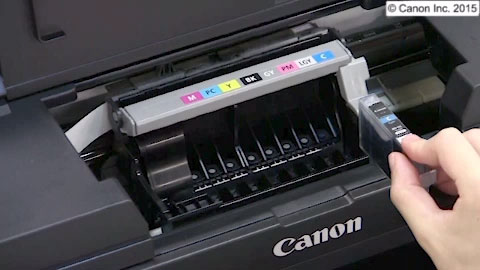
Installing the ink tanks
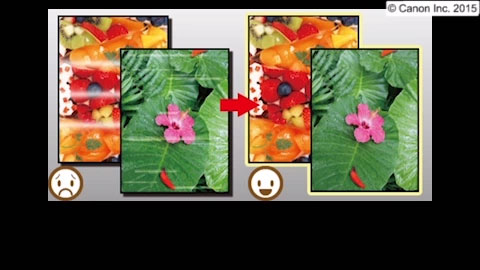
Colors are uneven or printing is faint
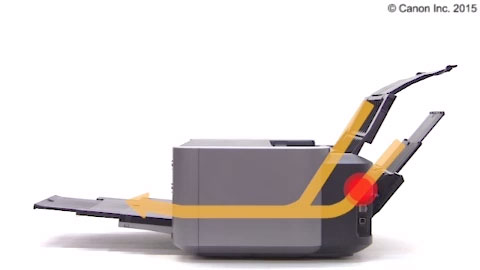
Removing jammed paper: rear tray
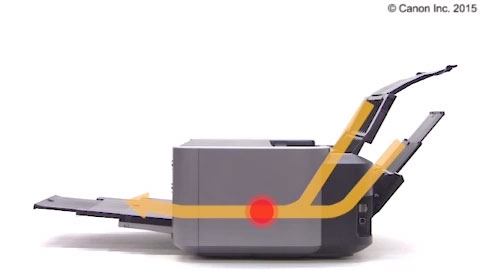
Removing jammed paper: inside printer
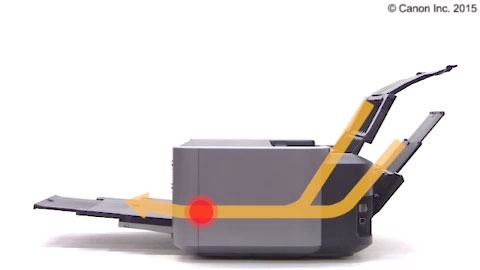
Removing jammed paper: paper output slot
Removing jammed paper: manual feed tray
Disc label printing: from PC
 Important
 Important